
Recado
Notes, checklists and voice recordings that sync
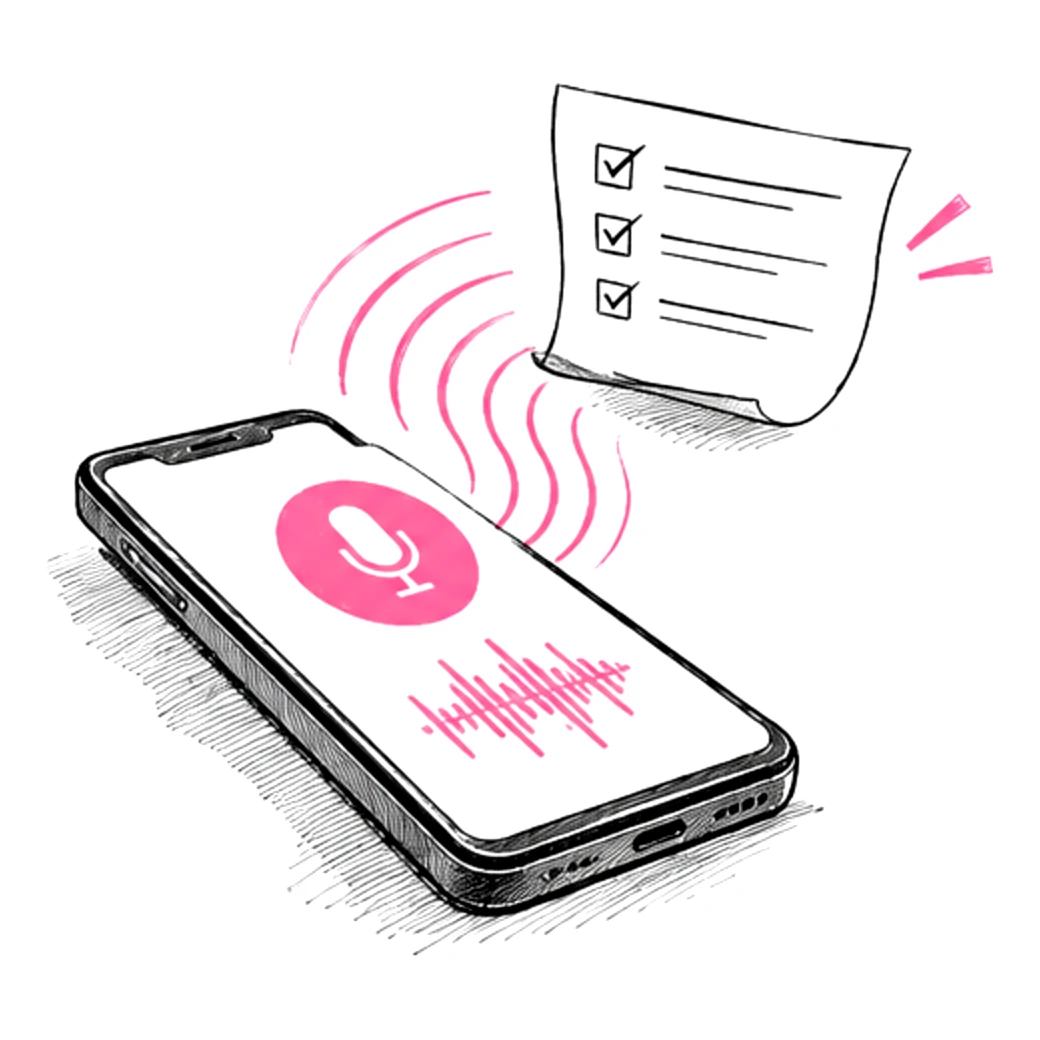
Recado is a notes app for your phone. Write notes, keep checklists, set reminders and record conversations. Recordings are turned into a transcript with notes and action items. Sign in and your notes sync to your Clave account.
- Built for
- Anyone who keeps notes on their phone
- Platform
- Mobile app
Recado is a mobile app.
What Recado is
Recado is a notes app for your phone that keeps notes, checklists, reminders and voice recordings in one place. When you are signed in, it turns each recording into a transcript with a summary and action items.
Recado is for the things you need to remember: a note you type, a checklist, a reminder or a conversation you record. The app saves everything on your phone as you go, so it works without an account and without a connection.
Recording a conversation starts with a consent step. You confirm that everyone agreed, and Recado can play a spoken notice at the start. The recording continues with the screen off and saves the audio every minute.
When you are signed in, the app uploads a copy of the recording to the Recado server, which uses Google's Gemini API to write a transcript, a summary, decisions, action items and open questions. The server deletes its copy of the audio once the transcript and notes are saved. The original audio stays on your phone until you delete it.
Signing in is optional. With a Clave account, the same one the other Clave products use, your notes, checklists, reminders and transcripts are backed up and sync across your phones.
What it does today
Notes and checklists
Write notes with headings, bold text, lists and links, or keep a checklist that moves ticked items to the bottom. Sort them with folders, tags, colours and pins, and attach photos and files.
Reminders that repeat
Set a reminder on a note, on a checklist item or by itself, with daily, weekly, monthly or custom repeats. Reminders ring offline, can be snoozed, and a morning digest lists what is due today.
Record conversations
Tap the microphone, confirm that everyone agreed, and record. You can pause, bookmark a moment, and keep recording with the screen off.
Transcript and notes
When you are signed in, each recording gets a transcript with timestamps and speaker labels, plus a summary, decisions, action items and open questions. Transcription covers Telugu, Hindi and Indian English.
Play and correct
Tap a line of the transcript to hear the recording from that point. Rename a speaker, merge two speaker labels or change who said a line.
Review action items
Approve, edit or reject each action item found in a recording. An approved item with a due date becomes a reminder linked to that moment in the recording.
Search on the phone
Search notes, checklist items, transcripts and reminders. Search runs on the phone, so it works offline.
Sync across phones
Sign in to back up notes, checklists, reminders and transcripts to your Clave account and see them on your other phones. If the same note was edited on two phones, Recado keeps both and marks one as a conflict copy.
Share a note
Send a note as text to any app, or create a web link that shows a read-only snapshot of the note. You can stop all links to a note at any time.
How it works
(01)Choose your languages
When you first open the app, pick the languages you speak from Telugu, Hindi and Indian English. Recado uses them when it transcribes your recordings.
(02)Sign in or skip
Continue with Google or with a code sent to your email to back up and sync your notes. You can also keep notes on this phone only and sign in later from the Me tab.
(03)Write a note or checklist
Tap New note on the home screen and choose a note, a checklist or a reminder. Text saves as you type.
(04)Record a conversation
Tap the microphone, confirm that everyone agreed, and start. When you stop, the recording appears on the home screen as a conversation.
(05)Review the notes
If you are signed in, Recado uploads a copy and notifies you when the transcript and notes are ready. Open the conversation to read the summary, play any line and approve the action items you want as reminders.
Who it is for
Anyone who keeps notes on their phone
Notes, checklists and reminders in one app that works without a connection.
People who meet clients, customers or their team
A recording of the meeting with the summary, decisions and action items written out.
Students and interviewers
A transcript of a lecture or interview that they can search and play back line by line.
People who speak Telugu, Hindi or English
Transcripts in Telugu, Hindi and Indian English, the three languages the app offers today.
Facts
- Platform
- Android phones. An iPhone version is in development.
- Sign-in
- Optional. Google sign-in or a code sent to your email, using the shared Clave account.
- Works offline
- Yes. Notes, checklists, reminders, search and recording work without a connection. Sync and transcripts need one.
- What happens to recordings
- The original audio stays on your phone. If you are signed in, a copy is uploaded, sent to Google's Gemini API to make the transcript and notes, and deleted from the server once they are saved.
- Sharing
- Send a note as text, or as a web link to a read-only snapshot that you can switch off. Web links need sign-in.
- Deleting your data
- In the Me tab, Delete my Recado data removes your notes, checklists, reminders, transcripts, share links and any uploaded audio from the server, and clears the phone you are using. Your Clave account stays open for the other Clave products.
- App lock
- Optional. Open the app with your fingerprint, face or the phone's screen lock.
Questions
What is Recado?
Recado is a notes app for your phone. It keeps notes, checklists, reminders and recorded conversations together, and turns recordings into a transcript with a summary and action items.
What happens to my recordings?
The original audio is saved on your phone and stays there until you delete it. If you are signed in, a copy is uploaded and sent to Google's Gemini API to write the transcript and notes, and the server deletes its copy once they are saved. If you are not signed in, the recording is not uploaded.
Does Recado work offline?
Yes. You can write notes, tick checklists, set reminders, search and record without a connection, and reminders still ring. Sync and the transcript of a recording wait until you are online.
Do I need an account?
No. Without an account, everything stays on your phone. Signing in with Google or an email code adds backup, sync across phones, transcripts and web share links.
Which languages can it transcribe?
Telugu, Hindi and Indian English. You pick your languages when you first open the app, and the summary and notes are written in English.
Is Recado free?
Yes. Everyone is on the free plan today, and the app has no paid plan, purchases or ads.